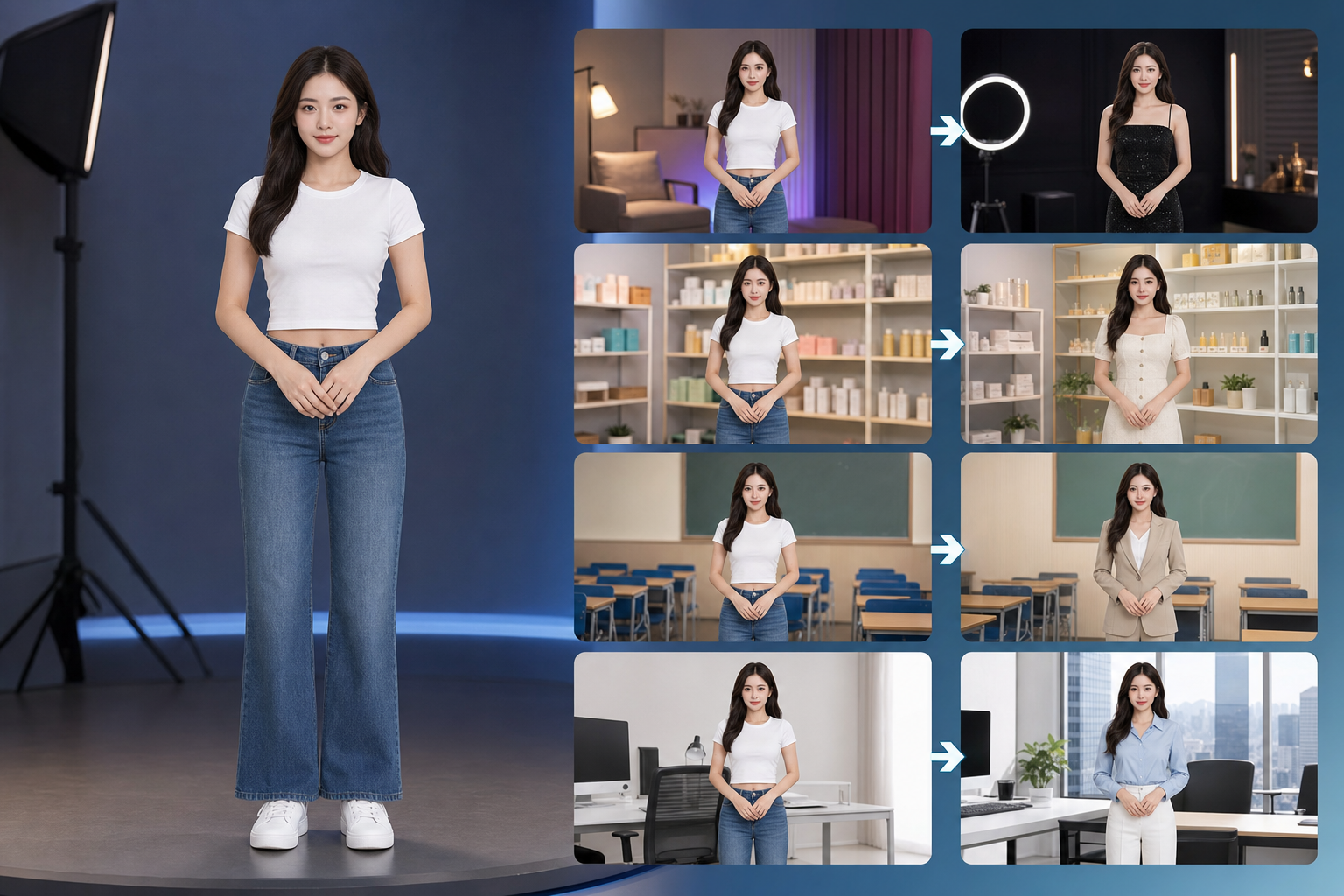
Create and Experience Avatar
Choose a character to edit, or create a new one
How to Create an Avatar
Create Avatar
+
Upload Photo
STEP 1
Upload Photo
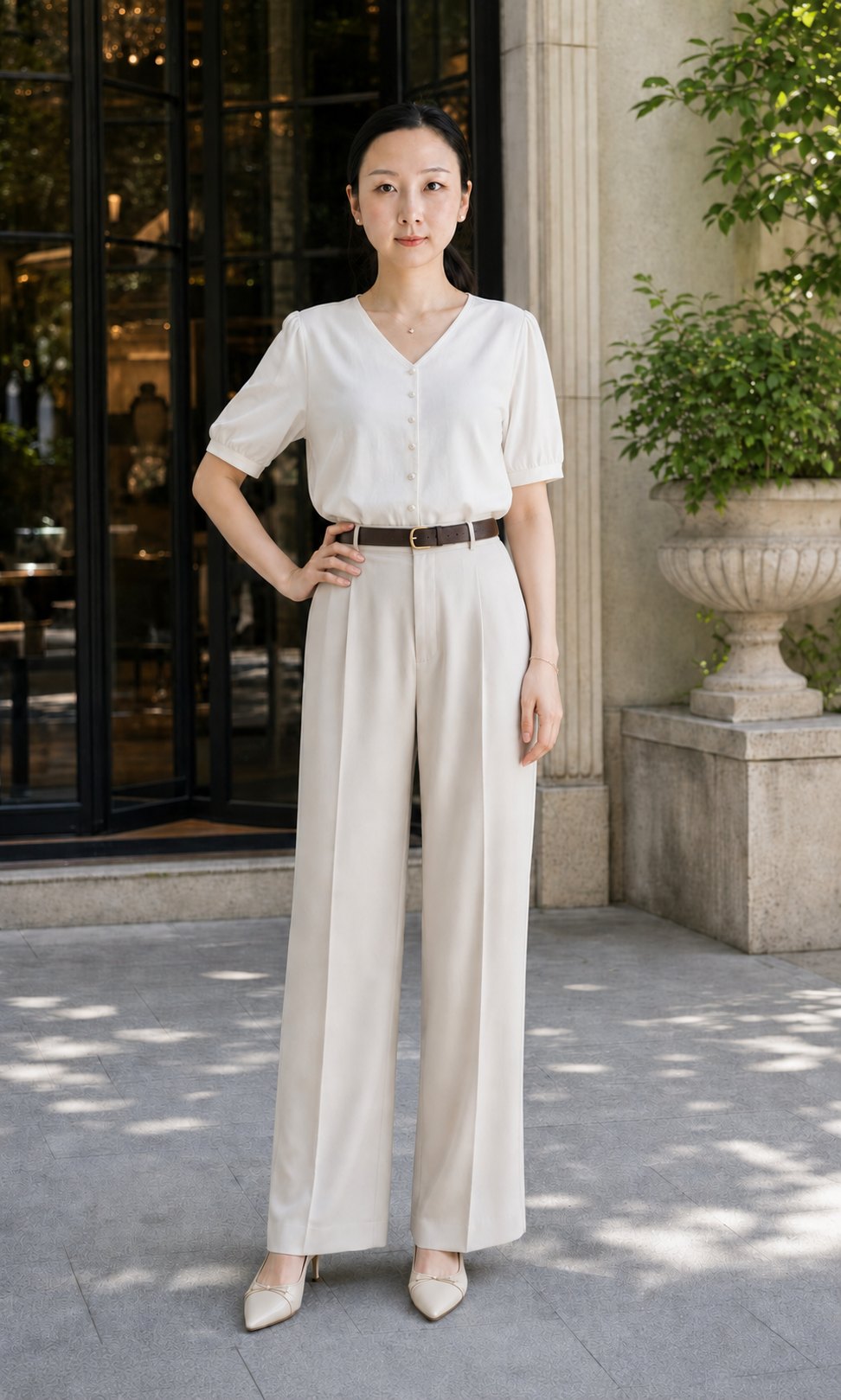
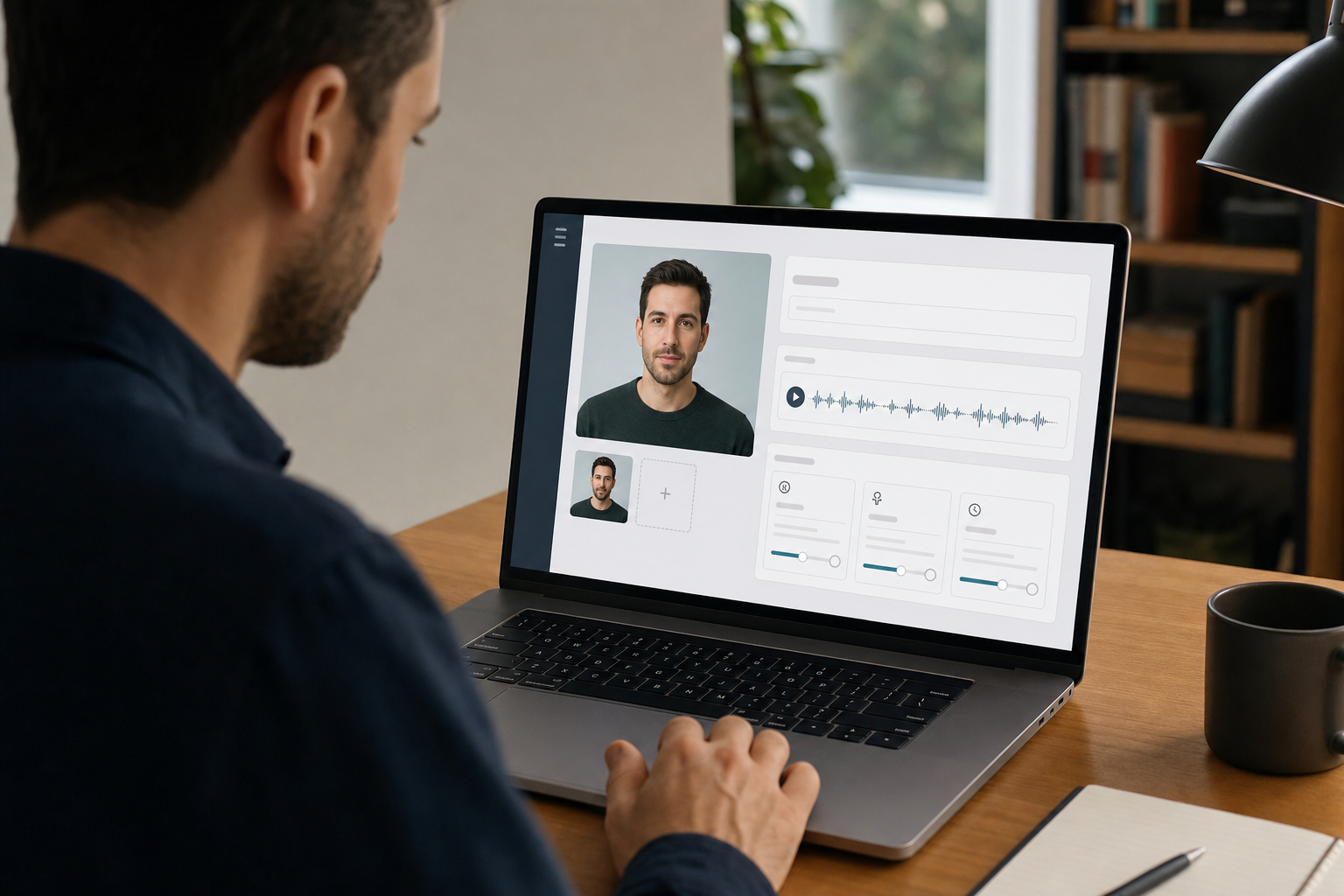
Upload a clear front-facing portrait. The system checks clarity, occlusion, and multi-person risk.
Voice
Natural Female
Warm Seller
Preview Voice
STEP 2
Select Voice
Select a default voice and use preview to compare speaking styles before generating the avatar.
STEP 3
Generate Avatar
After generation, continue into the experience area and configure actions, outfit, and background.
Supported Capabilities
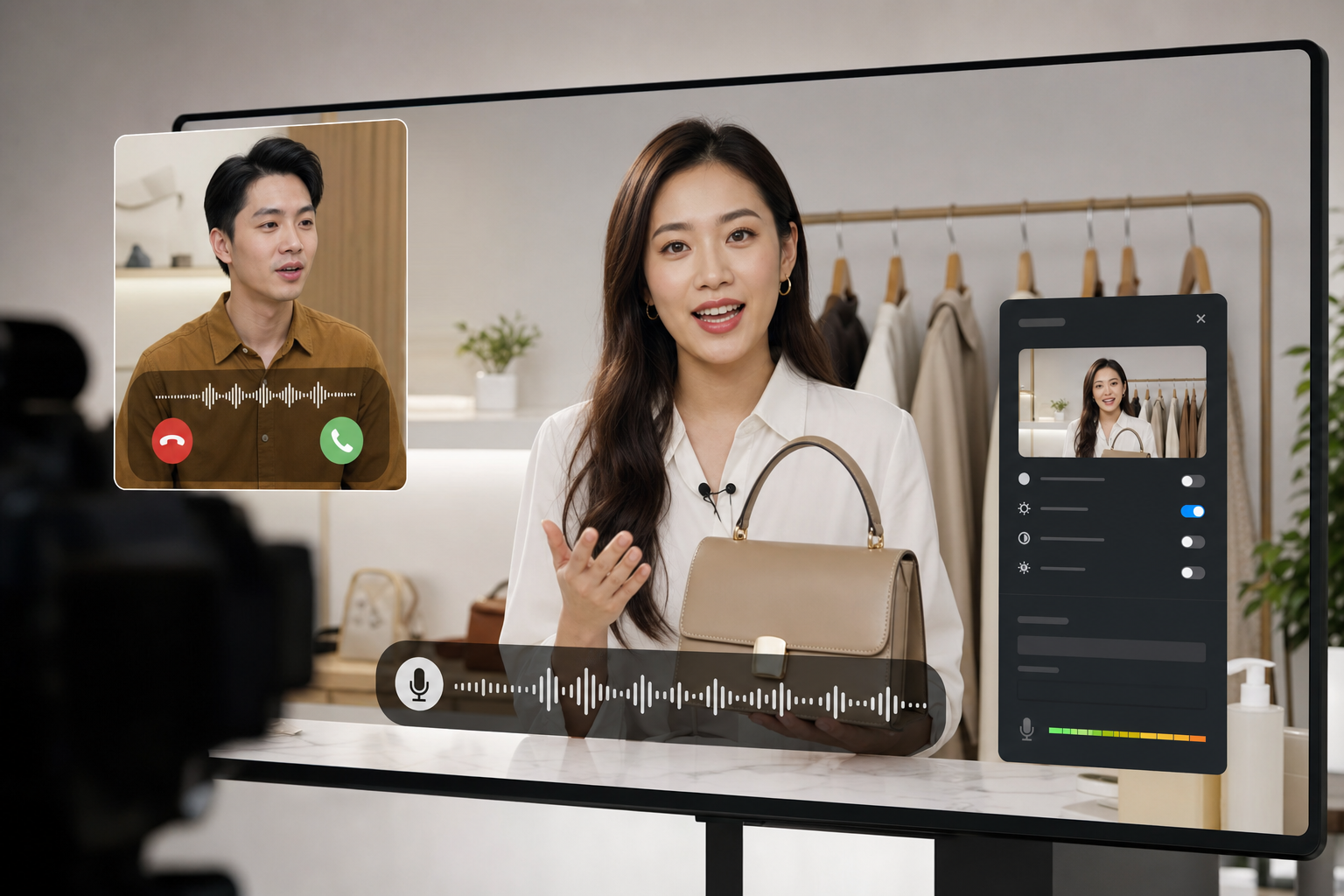
Voice Calling
Support real-time voice calls so users can talk to the avatar naturally during a live session.
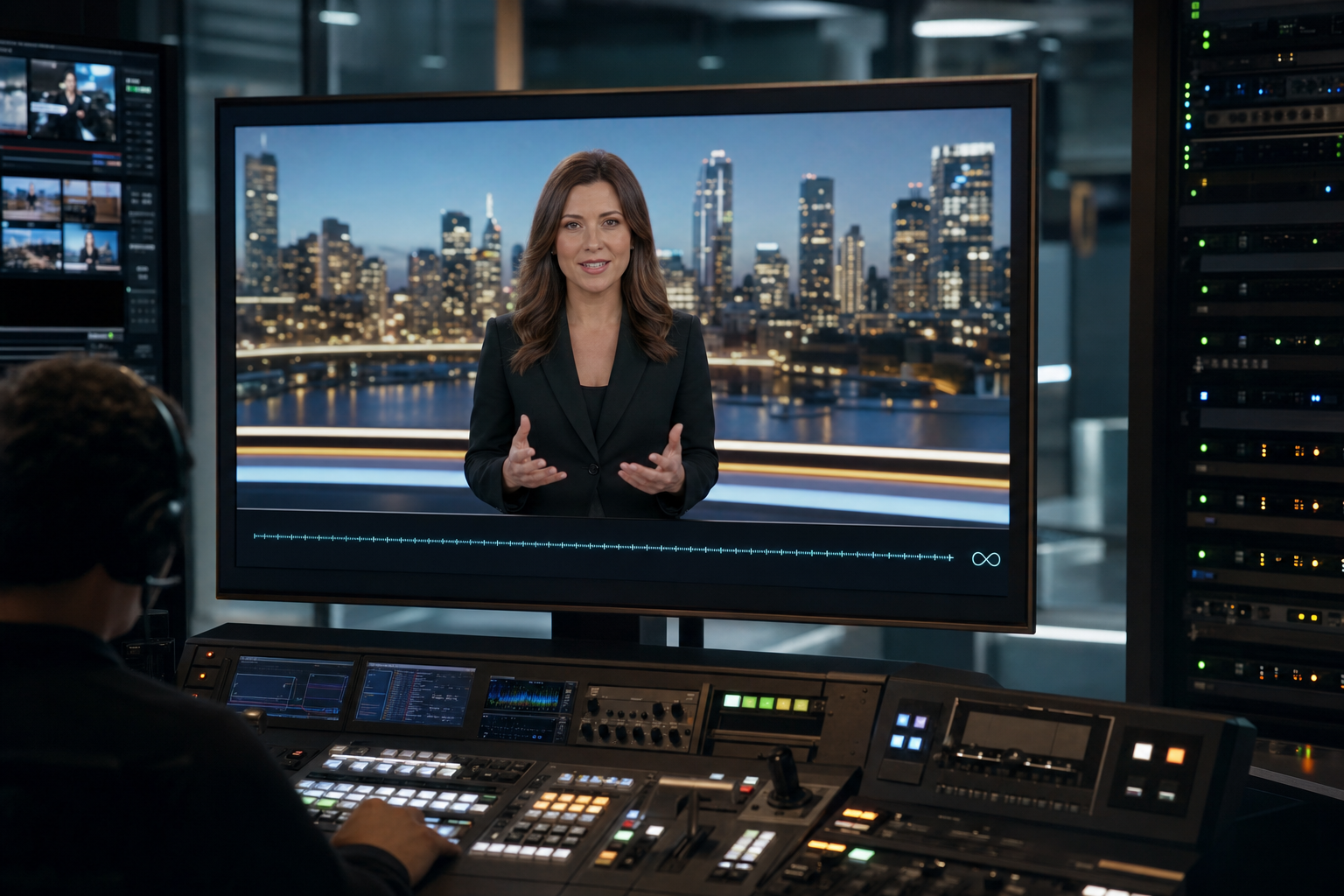
Unlimited Real-Time Generation
Support long-running live generation for continuous avatar interaction without fixed duration limits.
Custom Avatar Identity
Create a personalized avatar from uploaded photos, full-body image generation, name, and voice settings.
Freely Outfit and Background Changes
Freely change clothing and backgrounds to match livestream, product, classroom, or brand scenarios.